MIZAN · OBD-II
Diagnostic workspace
Read supported OBD data or import a scanner log. Keep the fault-code guide alongside the evidence; a code alone does not identify the failed part.
All free tools ↗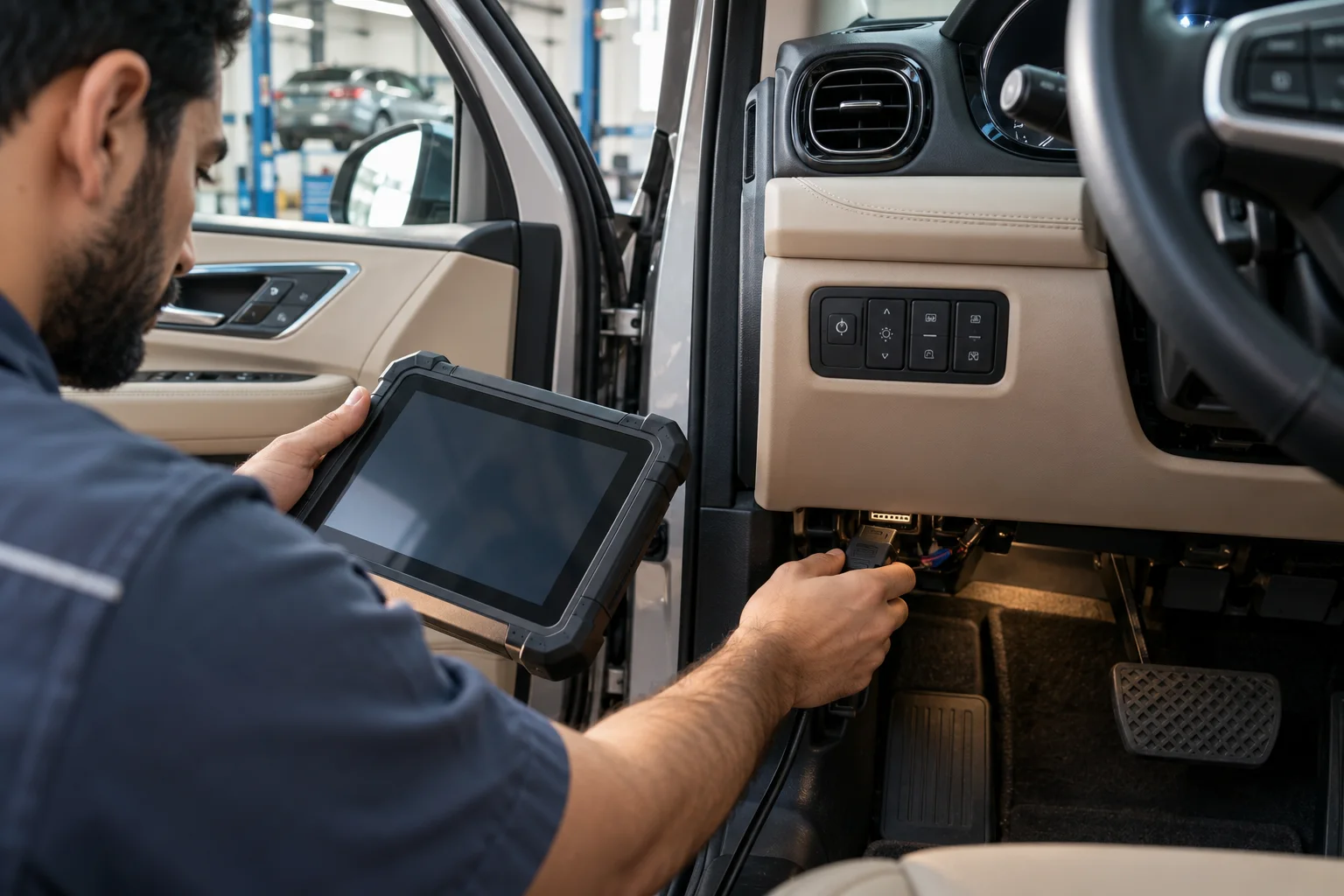
MIZAN · OBD-II
Read a real OBD reply
Import an ELM text log, or use a compatible serial adapter offered by your browser. Reading generic OBD-II replies is separate from a full manufacturer scan.
Coverage: generic emissions-related OBD-II replies only. ABS, airbags, immobilizers, EV battery health and manufacturer-wide module scans are not included. A code is not a confirmed failed part.
Local ELM text / log
Compatible serial adapter
Use only your own documented ELM-compatible USB/serial adapter. Pairing, driver support and baud rate depend on the adapter and operating system.
This browser does not expose Web Serial. Import a log instead. Installing the website does not add Bluetooth or adapter support.
Park safely and follow your vehicle and adapter instructions. Do not operate this tool while driving or run an engine in an enclosed space. Only the listed read requests and adapter settings are sent; code clearing, coding and actuator tests are not available.
The log and serial replies stay in this browser. This panel does not upload a report, call an AI service or save garage records automatically.
Understand an engine fault code
First release: 8 selected generic powertrain codes. Vehicle coverage is not verified. This code guide explains recorded codes; it does not connect to your car.